• Regeln für den Video-Bereich:

    In den Börsenbereich gehören nur Angebote die bereits den Allgemeinen Regeln entsprechen.

    Einteilung

    - Folgende Formate gehören in die angegeben Bereiche:
    - Filme: Encodierte Filme von BluRay, DVD, R5, TV, Screener sowie Telesyncs im Format DivX, XviD und x264.
    - DVD: Filme im Format DVD5, DVD9 und HD2DVD.
    - HD: Encodierte Filme mit der Auflösung 720p oder darüber von BluRay, DVD, R5, TV, Screener sowie Telesyncs im Format x264.
    - 3D: Encodierte Filme von BluRay, die in einem 3D Format vorliegen. Dies gilt auch für Dokus, Animation usw.
    - Serien: Cartoon/Zeichentrick, Anime, Tutorials, Dokumentationen, Konzerte/Musik, Sonstiges sind demnach in die entsprechenden Bereiche einzuordnen, auch wenn sie beispielsweise im High Definition-Format oder als DVD5/DVD9/HD2DVD vorliegen. Ausnahme 3D.
    - Bereich Englisch: Englische Releases gehören immer in diesen Bereich.
    - Bereich Talk: Der Bereich, in dem über die Releases diskutiert werden kann, darf, soll und erwünscht ist.


    Angebot/Beitrag erstellen

    - Ein Beitrag darf erst dann erstellt werden, wenn der Upload bei mindestens einem OCH komplett ist. Platzhalter sind untersagt.
    - Bei einem Scenerelease hat der Threadtitel ausschließlich aus dem originalen, unveränderten Releasenamen zu bestehen. Es dürfen keine Veränderungen wie z.B. Sterne, kleine Buchstaben o.ä. vorgenommen werden. Ausnahme Serienbörse:
    - Bei einem Sammelthread für eine Staffel entfällt aus dem Releasename natürlich der Name der Folge. Beispiel: Die Simpsons S21 German DVDRip XviD - ITG
    - Dementsprechend sind also u.a. verboten: Erweiterungen wie "Tipp", "empfehlenswert", "only", "reup", usw. / jegliche andere Zusatzinformation oder Ergänzung, welche nicht in obiger Beschreibung zu finden ist.

    Aufbau des Angebots und Threadtitel

    Der Titel nach folgendem Muster erstellt zu werden. <Name> [3D] [Staffel] [German] <Jahr> <Tonspur> [DL] [Auflösung] <Quelle> <Codec> - <Group>
    Beispiel: The Dark Knight German 2008 AC3 DVDRip XviD - iND
    Beispiel: The Dark Knight 2008 DTS DL BDRip x264 - iND
    Beispiel: The Dark Knight 2008 AC3 DL BDRip XviD - iND
    Beispiel: The Dark Knight German 2008 AC3 720p BluRay x264 iND
    Beispiel: The Dark Knight 2008 DTS DL 1080p BluRay x264 iND
    Beispiel: Die Simpsons S01 German AC3 DVDRip XviD iND
    Beispiel: Die Simpsons S20 German AC3 720p BluRay x264 iND
    Beispiel: Sword Art Online II Ger Sub 2014 AAC 1080p WEBRip x264 - peppermint
    Entsprechend sind also u.a. verboten: Sonderzeichen wie Klammern, Sterne, Ausrufezeichen, Unterstriche, Anführungszeichen / Erweiterungen wie "Tipp", "empfehlenswert", "only", "reup", usw. / jegliche andere Zusatzinformation oder Ergänzung, welche nicht in obiger Beschreibung zu finden ist
    Ausnahmen hiervon können in den Bereichen geregelt sein.

    Die Beiträge sollen wie folgt aufgebaut werden:
    Überschrift entspricht dem Threadtitel
    Cover
    kurze Inhaltsbeschreibung
    Format, Größe, Dauer sind gut lesbar für Downloader außerhalb des Spoilers zu vermerken
    Nfo sind immer Anzugeben und selbige immer im Spoiler in Textform.
    Sind keine Nfo vorhanden z.B. Eigenpublikationen, sind im Spoiler folgende Dateiinformationen zusätzlich anzugeben :
    Quelle
    Video (Auflösung und Bitrate)
    Ton (Sprache, Format und Bitrate der einzelnen Spuren)
    Untertitel (sofern vorhanden)
    Hosterangabe in Textform außerhalb eines Spoiler mit allen enthaltenen Hostern.
    Bei SD kann auf diese zusätzlichen Dateiinformationen verzichtet werden.

    Alle benötigten Passwörter sind, sofern vorhanden, in Textform im Angebot anzugeben.
    Spoiler im Spoiler mit Kommentaren :"Schon Bedankt?" sind unerwünscht.


    Releases

    - Sind Retail-Release verfügbar, sind alle anderen Variationen untersagt. Ausnahmen: Alle deutschen Retail-Release sind CUT, in diesem Fall sind dubbed UNCUT-Release zulässig.
    - Im Serien-Bereich gilt speziell: Wenn ein Retail vor Abschluss einer laufenden Staffel erscheint, darf diese Staffel noch zu Ende gebracht werden.62
    - Gleiche Releases sind unbedingt zusammenzufassen. Das bedeutet, es ist zwingend erforderlich, vor dem Erstellen eines Themas per Suchfunktion zu überprüfen, ob bereits ein Beitrag mit demselben Release besteht. Ist dies der Fall, ist der bereits vorhandene Beitrag zu verwenden.
    - P2P und Scene Releases dürfen nicht verändert oder gar unter einem iND Tag eingestellt werden.


    Support, Diskussionen und Suche

    - Supportanfragen sind entweder per PN oder im Bereich Talk zu stellen.
    - Diskussionen und Bewertungen sind im Talk Bereich zu führen. Fragen an die Uploader haben ausschließlich via PN zu erfolgen, und sind in den Angeboten untersagt.
    - Anfragen zu Upload-Wünschen sind nur im Bereich Suche Video erlaubt. Antworten dürfen nur auf Angebote von vocalmvp.com verlinkt werden.


    Verbote

    - Untersagt sind mehrere Formate in einem einzigen Angebotsthread, wie beispielsweise das gleichzeitige Anbieten von DivX/XviD, 720p und 1080p in einem Thread. Pro Format, Release und Auflösung ist ein eigener Thread zu eröffnen.
    - Grundsätzlich ebenso verboten sind Dupes. Uploader haben sich an geeigneter Stelle darüber zu informieren, ob es sich bei einem Release um ein Dupe handelt.
    - Gefakte, nur teilweise lauffähige oder unvollständige Angebote sind untersagt. Dies gilt auch für eigene Publikationen, die augenscheinlich nicht selbst von z.B. einer DVD gerippt wurden. Laufende Serien, bei denen noch nicht alle Folgen verfügbar sind, dürfen erstellt und regelmäßig geupdatet werden.
    - Untersagt sind Angebote, welche nur und ausschließlich in einer anderen Sprache als deutsch oder englisch vorliegen. Ausnahmen sind VORHER mit den Moderatoren zu klären.


    Verstoß gegen die Regeln

    - Angebote oder Beiträge, die gegen die Forenregeln verstoßen, sind über den "Melden"-Button im Beitrag zu melden.
  • Bitte registriere dich zunächst um Beiträge zu verfassen und externe Links aufzurufen.

++ Premium IPTV ++ 7000 Live Sender ++ UHD Qualität ++ Mediathek mit 18.000 Inhalten ++


VenneTV


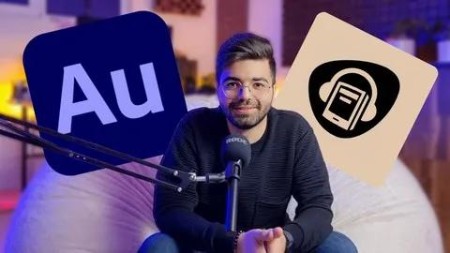
Master Adobe Audition Audiobook Creation From Zero To Hero

babymore87

vocalmvp.com Pro Member
9e92a54907148585699b350961978786.jpeg

Free Download Master Adobe Audition Audiobook Creation From Zero To Hero
Published 10/2024
MP4 | Video: h264, 1920x1080 | Audio: AAC, 44.1 KHz
Language: English | Size: 3.31 GB | Duration: 4h 41m
Learn Adobe Audition for Audiobook Production: From recording and editing to expertly publishing high-quality audiobooks

What you'll learn
Setting up a professional audiobook recording studio: Learn how to select the right equipment and create an optimal environment for audiobook production.
Mastering audiobook production: From recording to editing, improving sound quality, and publishing professional audiobooks using Adobe Audition.
Advanced audio editing with Adobe Audition: Discover how to use advanced effects like EQ, compression, and noise reduction to produce high-quality audiobook aud
Noise reduction and sound quality optimization: Remove unwanted background noise and optimize your audiobook for a professional listening experience.
Mixing and mastering audiobooks: Learn how to blend voice with sound effects, music, and ensure a smooth final output for your audiobook.
Publishing audiobooks on major platforms: Learn how to publish your audiobook on platforms like Audible and other audiobook distribution platforms.
Monetizing your audiobook: Explore different methods of generating income through your audiobooks using platforms, partnerships, and promotions.
Strategies for growing your audience: Learn techniques to attract more listeners to your audiobooks and build a larger audience base.
Mastering multi-track editing: Gain expertise in editing multiple tracks simultaneously for both music and voiceover synchronization.
Sound automations and effects: Learn how to apply sound automations and professional effects for an immersive audiobook experience.
Requirements
A computer or laptop
Adobe Audition Software
A desire to learn and create your own podcast
Description
From Beginner to Pro: The Complete Adobe Audition and Audiobook Creation CourseHave you always wanted to narrate and produce your own audiobook but didn't know where to begin? Or maybe you're already creating audiobooks but looking to improve your audio quality and take your production skills to the next level? This comprehensive Adobe Audition and Audiobook Creation course is exactly what you've been looking for.With the right tools and skills, you can produce high-quality, professional audiobooks. In this course, you'll learn every step of audiobook production, from choosing the right equipment to professional audio editing and mastering using Adobe Audition.Why Choose This Course?Audiobooks are a powerful medium for reaching a wide audience. This course will help you start from scratch and turn your audiobook into a professional product. You'll learn how to use Adobe Audition, a professional-grade tool for creating, editing, and mastering your audiobook.Benefits at a Glance:Learn from scratch: Master all the essential skills for creating, editing, and publishing audiobooks.Direct support from the instructor: Get full support throughout your audiobook production journey.Professional tools: Learn to master Adobe Audition for high-quality audio editing and production.Hands-on projects: Work on real-world audiobook projects to sharpen your skills.Sign up now and start producing your professional audiobook today!Key Course Modules:Audiobook Equipment Essentials:Selecting the right microphones for high-quality audio recordingSetting up a personal recording studio for professional audiobook productionUnderstanding microphone polar patterns and their role in sound qualityMastering Adobe Audition:Installing and navigating Adobe AuditionRecording and editing audio professionally using Adobe AuditionApplying noise reduction, equalizers, and dynamic effects to improve audio qualityAudiobook Mixing and Mastering:Combining voice narration and sound effects for an engaging audiobook experienceUsing advanced settings in Adobe Audition for professional masteringWorking with Multi-Track tools for seamless audiobook productionPublishing Your Audiobook:Uploading your audiobook to popular platforms like castbox, spotify, apple podcast and YouTubeStrategies to attract more listeners and grow your audienceSupport and Guidance Throughout the CourseBy enrolling in this course, you'll receive full support from the instructor every step of the way. Whether you have questions or need help with Adobe Audition or any part of audiobook creation, the instructor is here to ensure you succeed.
Overview
Section 1: Introduction
Lecture 1 Teaser
Lecture 2 Required Equipment
Lecture 3 Microphone Polar Patterns
Lecture 4 Recording Conditions and Preparing the Environment and Studio
Section 2: Adobe Audition
Lecture 5 Introduction
Lecture 6 Introduction to Adobe Audition
Lecture 7 Creating Audio Files
Lecture 8 Microphone Settings in Adobe Audition
Lecture 9 Microphone Settings in Windows
Lecture 10 Audio Recording and Tools
Lecture 11 Noise Reduction
Lecture 12 Normalizing Audio
Lecture 13 Equalizer
Lecture 14 Compressor
Lecture 15 Amplifying Audio
Lecture 16 De Esser
Lecture 17 Dynamic Tools
Lecture 18 Echo, Delay, and Reverb Effects
Lecture 19 Removing Unwanted Mouth Noises
Lecture 20 FFT Filter
Lecture 21 Other Audio Effects
Lecture 22 De-Reverb and De-Hummer Effects
Lecture 23 Improving Audio Quality And Final Editing Tips
Section 3: Adobe Audition - Multi Track
Lecture 24 Working with the Multitrack Environment
Lecture 25 Effect Rack Panel
Lecture 26 Mixing Music and Podcast
Lecture 27 Audio Automation Settings
Lecture 28 Professional Shortcuts in Software
Lecture 29 Exporting
Beginners in Audiobook Production: Those who have no prior experience in audiobook creation and want to learn how to record, edit, and produce their own audiobooks using Adobe Audition.,Aspiring Audiobook Narrators and Producers: Individuals who are eager to enter the audiobook industry but don't know where to start with recording and editing in Adobe Audition.,Intermediate Creators: People who have already started working on audiobooks but want to improve sound quality, streamline production, or enhance their editing skills using Adobe Audition.,Authors and Writers: Writers who wish to narrate and publish their own audiobooks professionally, using Adobe Audition as their primary tool.,Content Creators: Bloggers, YouTubers, or influencers looking to expand their content into the audiobook world and improve audio quality with Adobe Audition.,Anyone looking to improve sound quality: Individuals who want to enhance the sound quality of their audiobooks or voice recordings using the professional tools available in Adobe Audition.
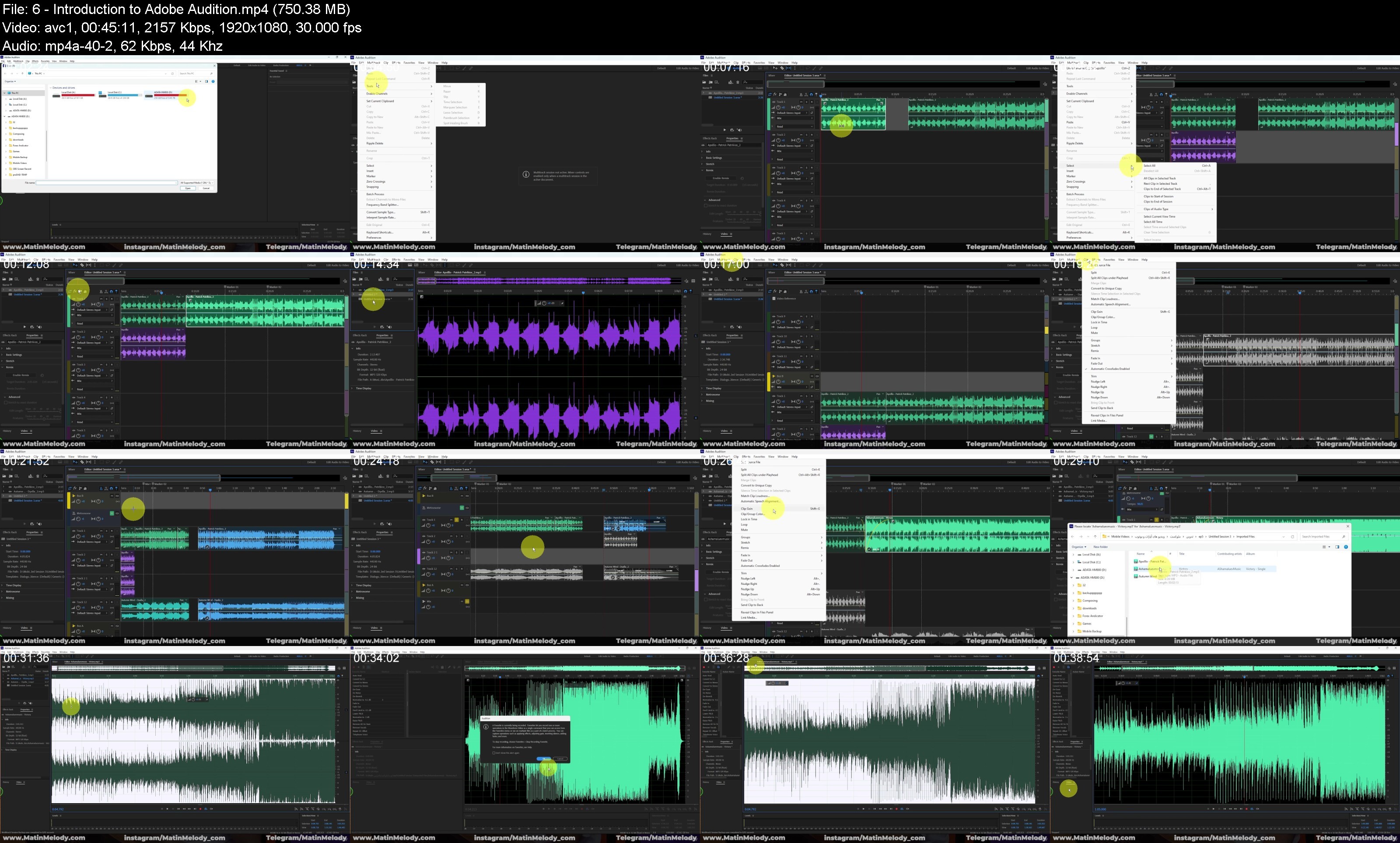
Screenshot
Homepage


Recommend Download Link Hight Speed | Please Say Thanks Keep Topic Live
No Password - Links are Interchangeable
 

48eb51f0a55c3b91cd13552f791578f8.jpg

Master Adobe Audition : Audiobook Creation From Zero To Hero
Published 10/2024
MP4 | Video: h264, 1920x1080 | Audio: AAC, 44.1 KHz
Language: English | Size: 3.31 GB | Duration: 4h 41m​

Learn Adobe Audition for Audiobook Production: From recording and editing to expertly publishing high-quality audiobooks

What you'll learn

Setting up a professional audiobook recording studio: Learn how to select the right equipment and create an optimal environment for audiobook production.

Mastering audiobook production: From recording to editing, improving sound quality, and publishing professional audiobooks using Adobe Audition.

Mastering audiobook production: From recording to editing, improving sound quality, and publishing professional audiobooks using Adobe Audition.

Advanced audio editing with Adobe Audition: Discover how to use advanced effects like EQ, compression, and noise reduction to produce high-quality audiobook aud

Noise reduction and sound quality optimization: Remove unwanted background noise and optimize your audiobook for a professional listening experience.

Mixing and mastering audiobooks: Learn how to blend voice with sound effects, music, and ensure a smooth final output for your audiobook.

Publishing audiobooks on major platforms: Learn how to publish your audiobook on platforms like Audible and other audiobook distribution platforms.

Monetizing your audiobook: Explore different methods of generating income through your audiobooks using platforms, partnerships, and promotions.

Strategies for growing your audience: Learn techniques to attract more listeners to your audiobooks and build a larger audience base.

Mastering multi-track editing: Gain expertise in editing multiple tracks simultaneously for both music and voiceover synchronization.

Sound automations and effects: Learn how to apply sound automations and professional effects for an immersive audiobook experience.

Requirements

A computer or laptop

Adobe Audition Software

A desire to learn and create your own podcast

Description

From Beginner to Pro: The Complete Adobe Audition and Audiobook Creation CourseHave you always wanted to narrate and produce your own audiobook but didn't know where to begin? Or maybe you're already creating audiobooks but looking to improve your audio quality and take your production skills to the next level? This comprehensive Adobe Audition and Audiobook Creation course is exactly what you've been looking for.With the right tools and skills, you can produce high-quality, professional audiobooks. In this course, you'll learn every step of audiobook production, from choosing the right equipment to professional audio editing and mastering using Adobe Audition.Why Choose This Course?Audiobooks are a powerful medium for reaching a wide audience. This course will help you start from scratch and turn your audiobook into a professional product. You'll learn how to use Adobe Audition, a professional-grade tool for creating, editing, and mastering your audiobook.Benefits at a Glance:Learn from scratch: Master all the essential skills for creating, editing, and publishing audiobooks.Direct support from the instructor: Get full support throughout your audiobook production journey.Professional tools: Learn to master Adobe Audition for high-quality audio editing and production.Hands-on projects: Work on real-world audiobook projects to sharpen your skills.Sign up now and start producing your professional audiobook today!Key Course Modules:Audiobook Equipment Essentials:Selecting the right microphones for high-quality audio recordingSetting up a personal recording studio for professional audiobook productionUnderstanding microphone polar patterns and their role in sound qualityMastering Adobe Audition:Installing and navigating Adobe AuditionRecording and editing audio professionally using Adobe AuditionApplying noise reduction, equalizers, and dynamic effects to improve audio qualityAudiobook Mixing and Mastering:Combining voice narration and sound effects for an engaging audiobook experienceUsing advanced settings in Adobe Audition for professional masteringWorking with Multi-Track tools for seamless audiobook productionPublishing Your Audiobook:Uploading your audiobook to popular platforms like castbox, spotify, apple podcast and YouTubeStrategies to attract more listeners and grow your audienceSupport and Guidance Throughout the CourseBy enrolling in this course, you'll receive full support from the instructor every step of the way. Whether you have questions or need help with Adobe Audition or any part of audiobook creation, the instructor is here to ensure you succeed.

Overview

Section 1: Introduction

Lecture 1 Teaser

Lecture 2 Required Equipment

Lecture 3 Microphone Polar Patterns

Lecture 4 Recording Conditions and Preparing the Environment and Studio

Section 2: Adobe Audition

Lecture 5 Introduction

Lecture 6 Introduction to Adobe Audition

Lecture 7 Creating Audio Files

Lecture 8 Microphone Settings in Adobe Audition

Lecture 9 Microphone Settings in Windows

Lecture 10 Audio Recording and Tools

Lecture 11 Noise Reduction

Lecture 12 Normalizing Audio

Lecture 13 Equalizer

Lecture 14 Compressor

Lecture 15 Amplifying Audio

Lecture 16 De Esser

Lecture 17 Dynamic Tools

Lecture 18 Echo, Delay, and Reverb Effects

Lecture 19 Removing Unwanted Mouth Noises

Lecture 20 FFT Filter

Lecture 21 Other Audio Effects

Lecture 22 De-Reverb and De-Hummer Effects

Lecture 23 Improving Audio Quality And Final Editing Tips

Section 3: Adobe Audition - Multi Track

Lecture 24 Working with the Multitrack Environment

Lecture 25 Effect Rack Panel

Lecture 26 Mixing Music and Podcast

Lecture 27 Audio Automation Settings

Lecture 28 Professional Shortcuts in Software

Lecture 29 Exporting

Beginners in Audiobook Production: Those who have no prior experience in audiobook creation and want to learn how to record, edit, and produce their own audiobooks using Adobe Audition.,Aspiring Audiobook Narrators and Producers: Individuals who are eager to enter the audiobook industry but don't know where to start with recording and editing in Adobe Audition.,Intermediate Creators: People who have already started working on audiobooks but want to improve sound quality, streamline production, or enhance their editing skills using Adobe Audition.,Authors and Writers: Writers who wish to narrate and publish their own audiobooks professionally, using Adobe Audition as their primary tool.,Content Creators: Bloggers, YouTubers, or influencers looking to expand their content into the audiobook world and improve audio quality with Adobe Audition.,Anyone looking to improve sound quality: Individuals who want to enhance the sound quality of their audiobooks or voice recordings using the professional tools available in Adobe Audition.

utVzAHkt_o.jpg

 
Zurück
Oben Unten